
따꿍의 프로젝트
[2025.08.06] 포트에 실행하고 있는 프로세스 죽이기 본문
문제
포트번호 3000만 CORS가 적용되어 있는데
이게 졸작도 서버가 3000대를 쓰고 다른 코드도 그쪽 쯔음을 써서
맨날 3000 쓰려고 보면 다른 프로세스가 차지하고 있다고 떴다.
해결책
cmd나 powershell 켜기
netstat -ano | findstr :3000
- look for the last column (밑의 예시에서는 3244)

kill the process
taskkill /PID 3244 /F
번외
특정 포트번호에 프런트엔드 코드 열기
liveserver을 사용하면 뭔 괴상한 포트번호가 열리는 경우가 있다.
그래서 특정 포트 번호에서 html을 열기 위해서 쓰는 라이브러리가 있다.
아래는 내가 다운로드가 계속 CORS 에러 뜨길래 딴 프로젝트에서도 그럴려나 싶어서 만든 임시 테스트 코드이다.
<!DOCTYPE html>
<html lang="en">
  <head>
    <meta charset="UTF-8" />
    <meta name="viewport" content="width=device-width, initial-scale=1.0" />
    <title>Document</title>
  </head>
  <body>
    <button id="button">이거 클릭하면 다운받아짐</button>
    <script src="index.js"></script>
  </body>
</html>
const url =
"https://snorose-bucket-resized.s3.ap-northeast-2.amazonaws.com/post-attachment/1723437/resized-478f39ff-9efc-4dc5-ad5b-b52bbb2a452e_KakaoTalk_20230714_172751041_24.webp?X-Amz-Algorithm=AWS4-HMAC-SHA256&X-Amz-Date=20250804T141514Z&X-Amz-SignedHeaders=host&X-Amz-Credential=AKIAQJYUDUFIEX5HAQ4A%2F20250804%2Fap-northeast-2%2Fs3%2Faws4_request&X-Amz-Expires=300&X-Amz-Signature=99b983a40f244dc64b777560ff9af0ec42f7d3421bbf6f0b0f2b98ad74daf7f6";
const handleDownload = async (s3Url) => {
console.log("다운로드 테스트 시작:", s3Url);
const response = await fetch(s3Url, {
method: "GET",
mode: "cors",
});
console.log("다운로드 응답 상태:", response.status);
console.log("다운로드 응답 헤더:", response.headers);
if (response.ok) {
const blob = await response.blob();
// 다운로드 링크 생성 (이때 CORS 문제가 발생할 수 있음)
const url = window.URL.createObjectURL(blob);
const link = document.createElement("a");
link.href = url;
link.download = "image_name.jpg";
// 자동 다운로드 트리거
document.body.appendChild(link);
link.click();
document.body.removeChild(link);
// URL 정리
window.URL.revokeObjectURL(url);
}
};
document.getElementById("button").onclick = (e) => {
handleDownload(url);
};
얘를 liveserver로 열면
http://127.0.0.1:59956/minju/index.html
이런 괴상한 포트번호(59956?)에서 열린다.
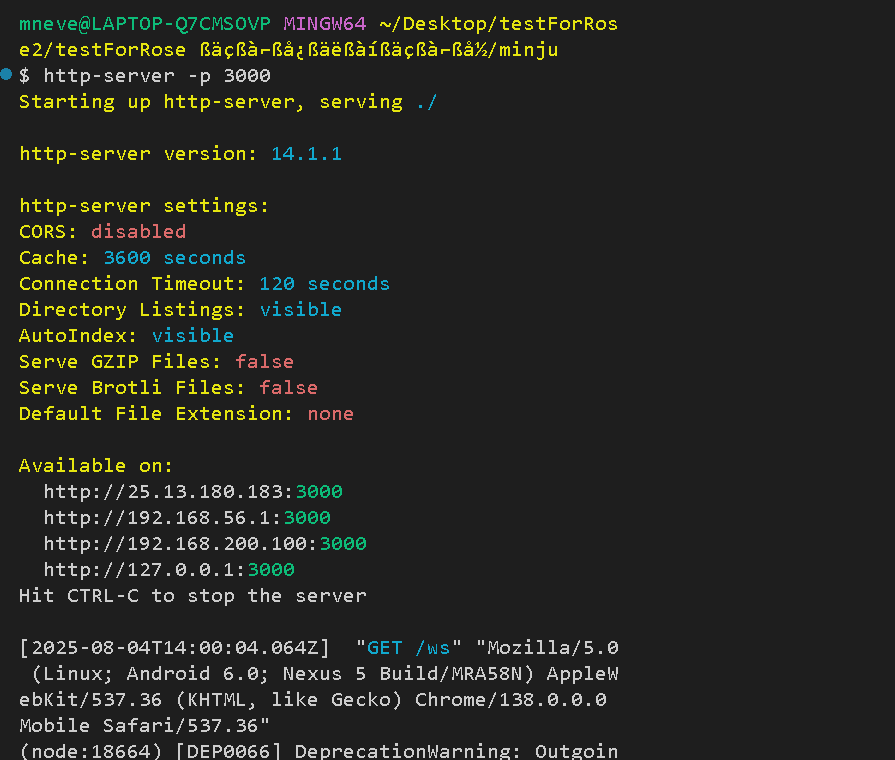
그래서 http-server이라는 라이브러리를 깔아줬다.
npm install -g http-server
지금 index.html을 열어줘야하니,
index.html이 들어가있는 폴더까지 cd해주고
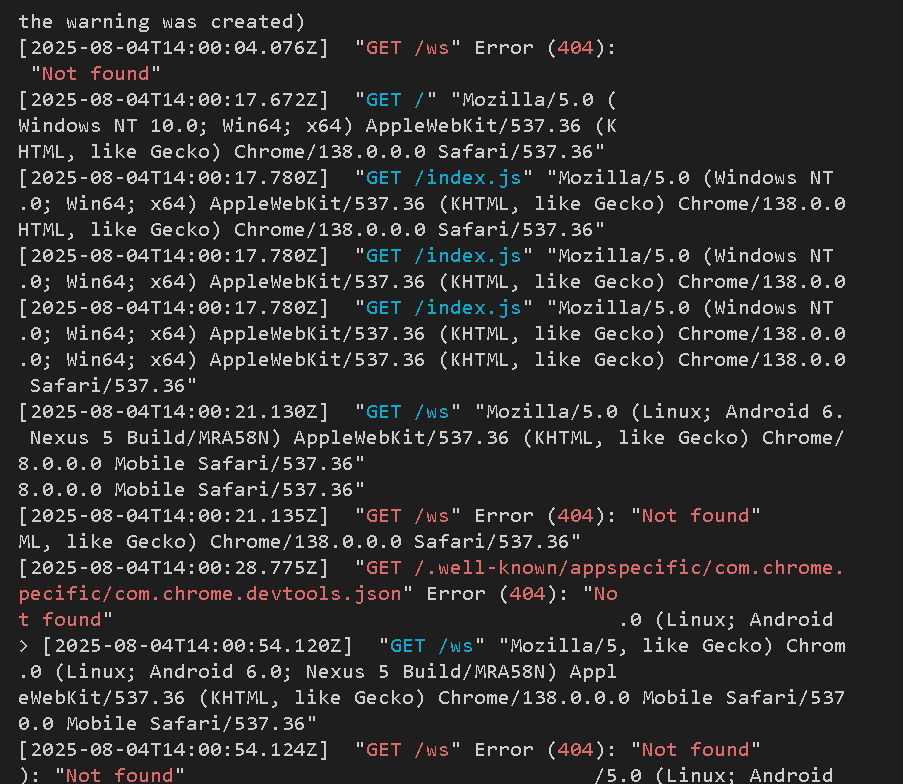
http-server -p 3000
을 해주면 정확히 3000 포트에서 html이 열린다.
'웹프로젝트 > 스노로즈' 카테고리의 다른 글
| VSCode에 나타나고 있는 로컬 작업을 태블릿에 보이기 (0) | 2025.11.14 |
|---|---|
| [2025.09.13] 첨부파일 TF 전체 과정 (0) | 2025.09.13 |
| [2025.07.29] 파일 다운로드 받기 (0) | 2025.07.29 |
| [프로덕트 제작 시 놓치기 쉬운 이미지 처리 가이드] (0) | 2025.07.25 |
| [2025.06.28] FullScreenAttachment.jsx 문제 (video와 Swiper 충돌) (0) | 2025.06.28 |
'웹프로젝트/스노로즈' Related Articles
more
